

Intuitive user guidance
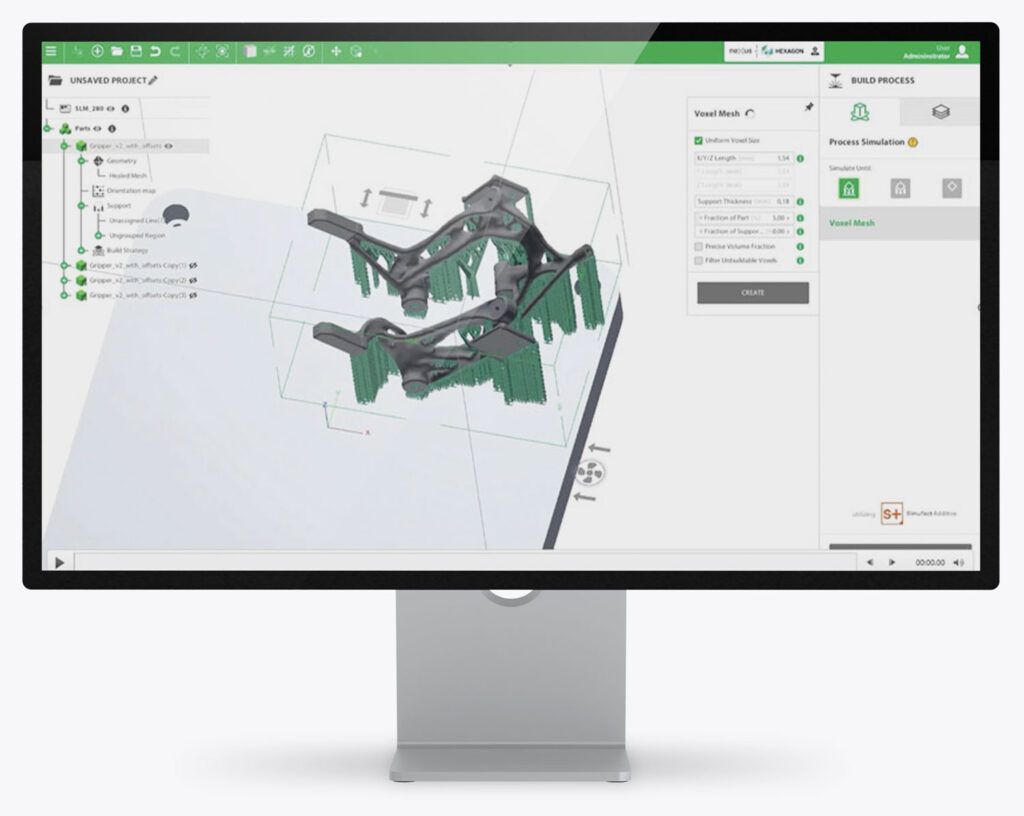
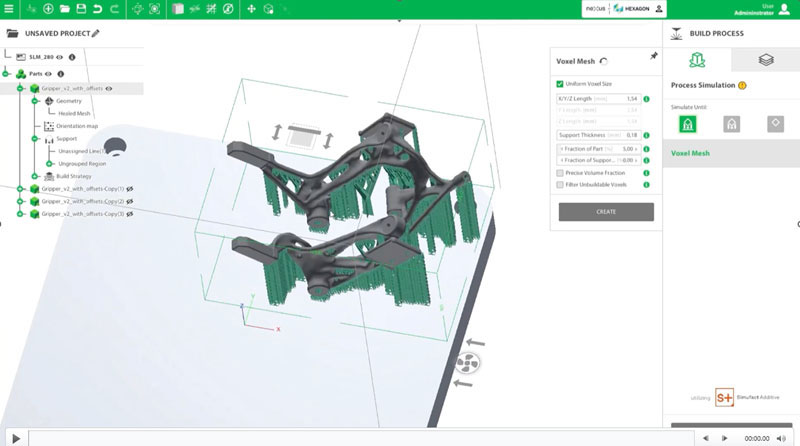
AM STUDIO guides you through the entire 3D printing process – from import to post-processing. With graphical guidance, intelligent algorithms and automated workflows, additive manufacturing becomes simple and efficient.
Optimal part orientation
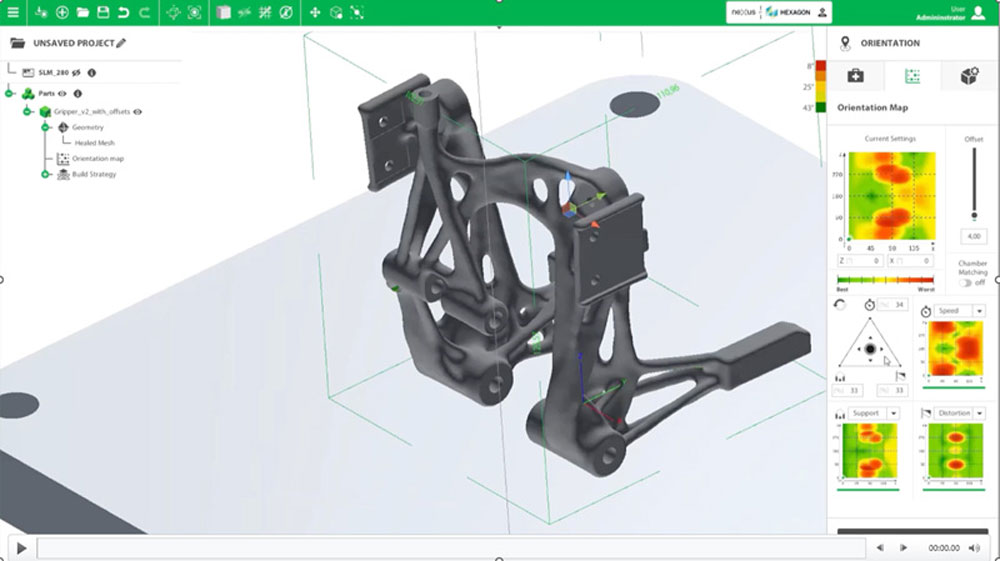
Based on intelligent algorithms, so-called “OrientationMaps” support 3D nesting during data preparation. The arrangement of the parts is shown in colour-coded zones, highlighting both the optimal position and the orientation of the parts.
Advanced support geometries
In addition to standard support geometries, AM STUDIO offers sophisticated, special support structures. With the help of artificial intelligence, users can save both build time and costs by drastically reducing the time to print.
Efficient segmentation
The integrated, powerful algorithms allow users to generate and process segmentation data quickly – with low memory consumption.
Cost estimation
AM STUDIO combines proven machine manufacturer algorithms for estimating build time with part and material data to produce a high-quality estimate of build costs.
One software, many features
Enhanced 3D view
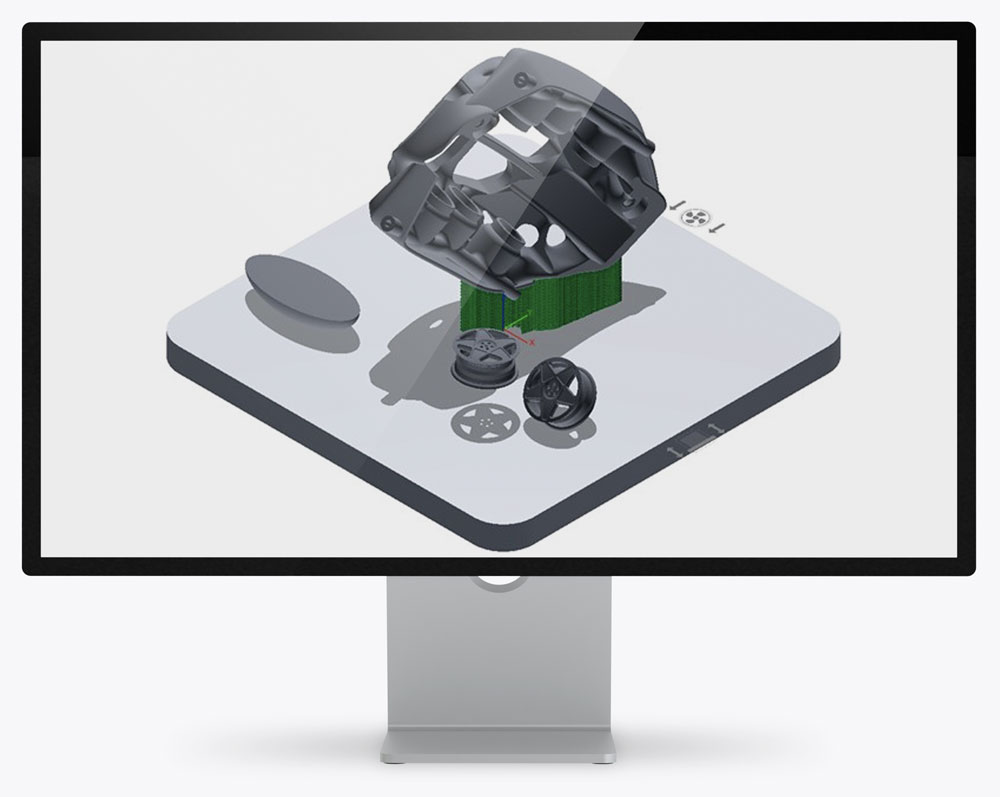
The improved 3D view with object shadows in our update offers better spatial perception, enabling precise object placement and orientation thanks to realistic shadow visualisation and improved depth perception.
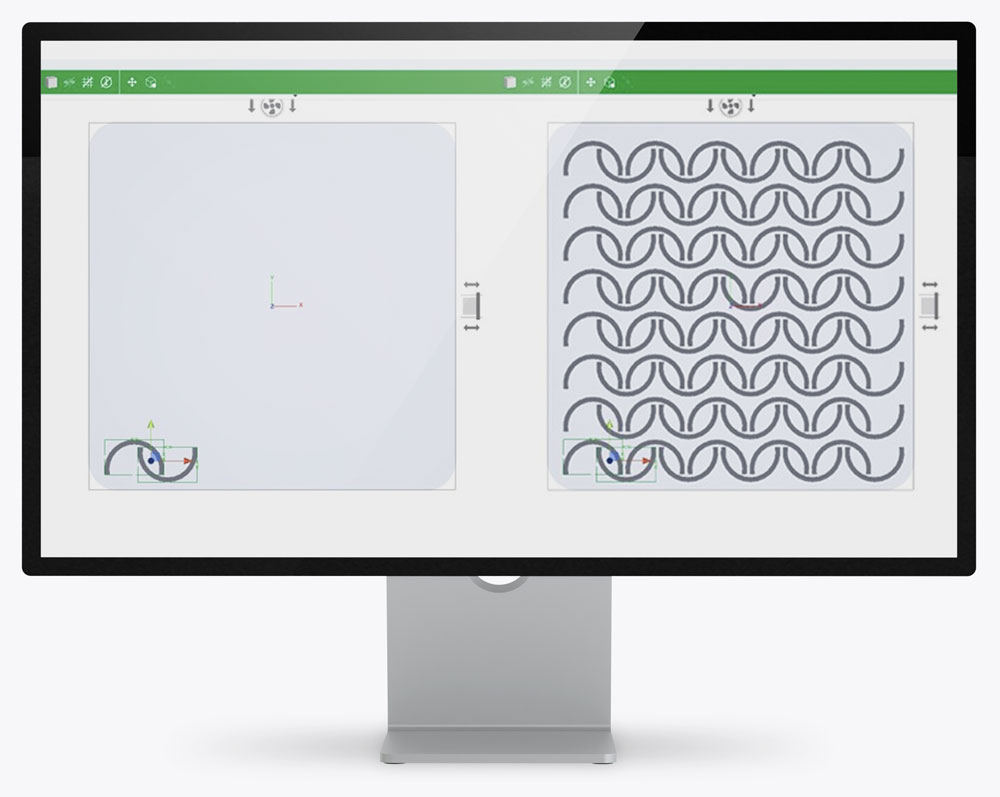
Nesting / patterning
The new algorithm in our latest update allows users to define nested configurations of selected components as mandatory for patterning. It optimises the use of space in the build area, minimises waste and maximises productivity. Users can now create more complex and customised patterns that offer the flexibility to meet different manufacturing requirements.
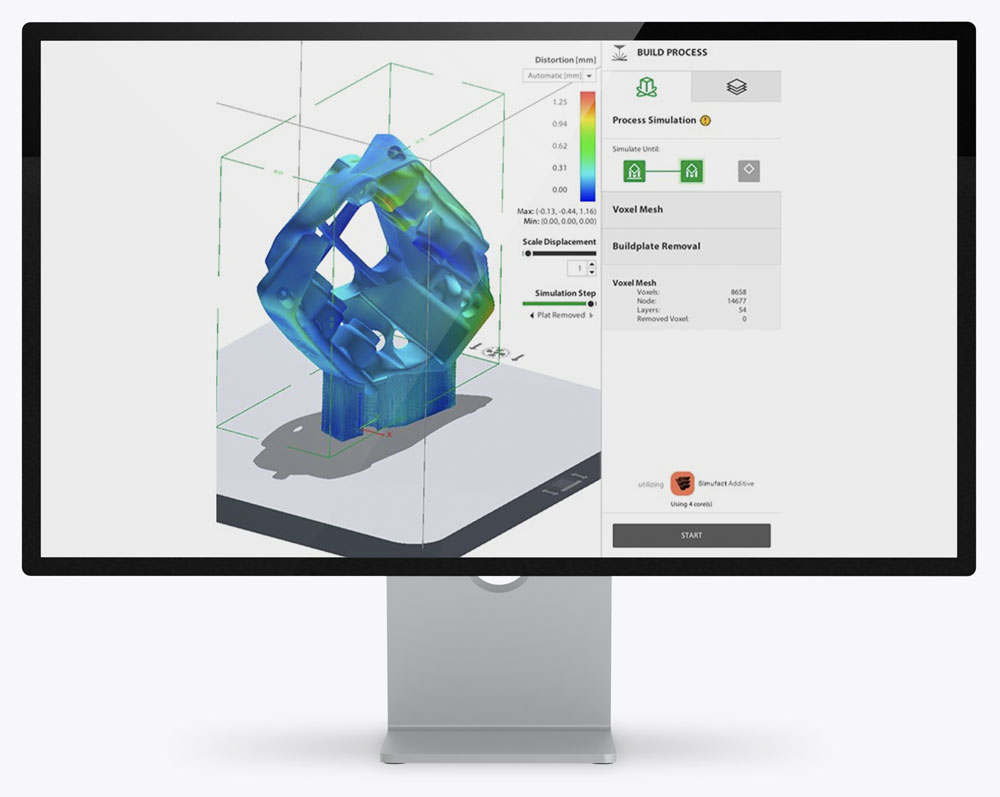
Simulation
Our latest update introduces multi-core simulation and speeds up simulation run times by using additional CPU cores (up to 4), reducing calculation time for a faster and more efficient design process.
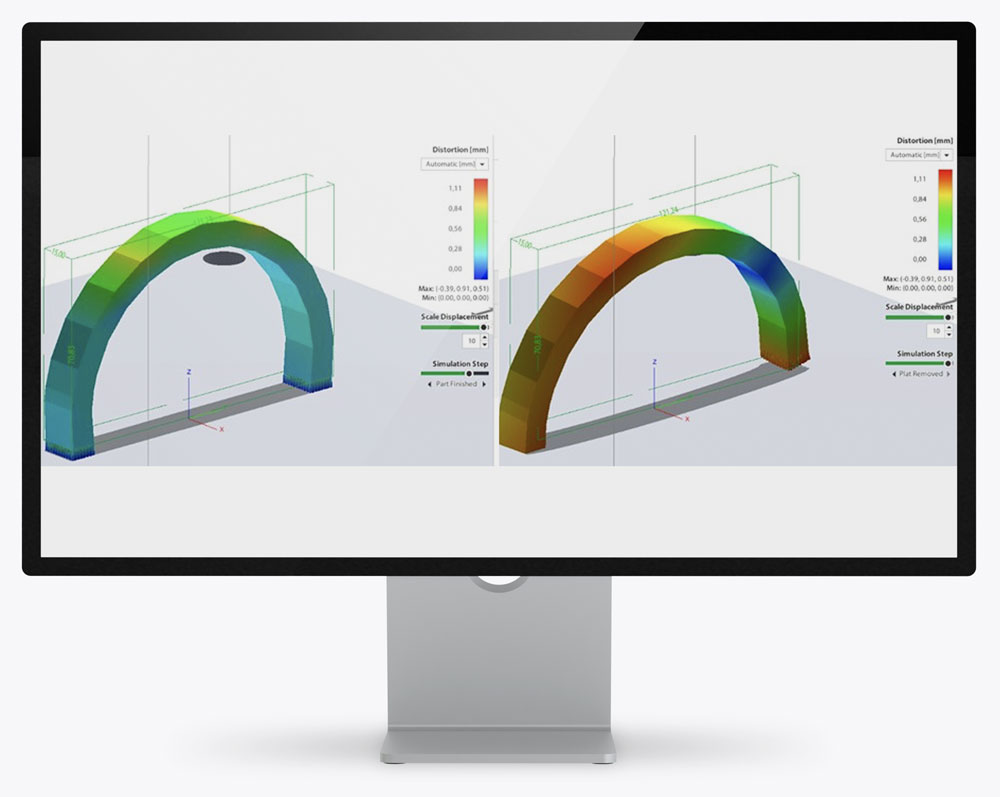
Distortion
Our new feature simulates the separation of a part from the base plate before heat treatment, allowing users to assess and mitigate potential distortion caused by thermal stresses during the process in advance, improving the accuracy and integrity of their designs.