

- Professional consulting
- Sample print creation
- Custom packages for industrial clients
- On-site training
- Service package with free phone and email support
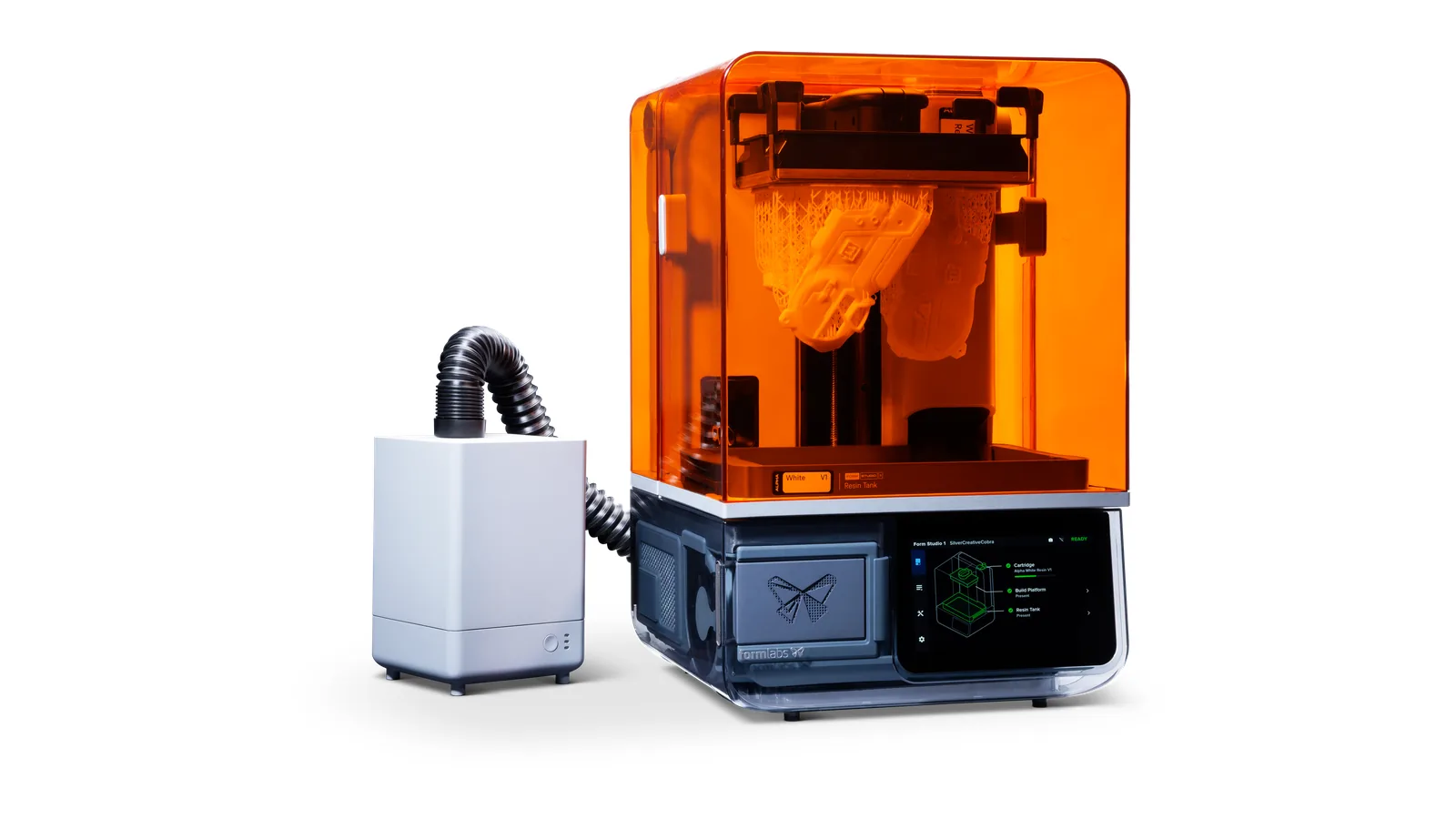
Formlabs Form Studio 1
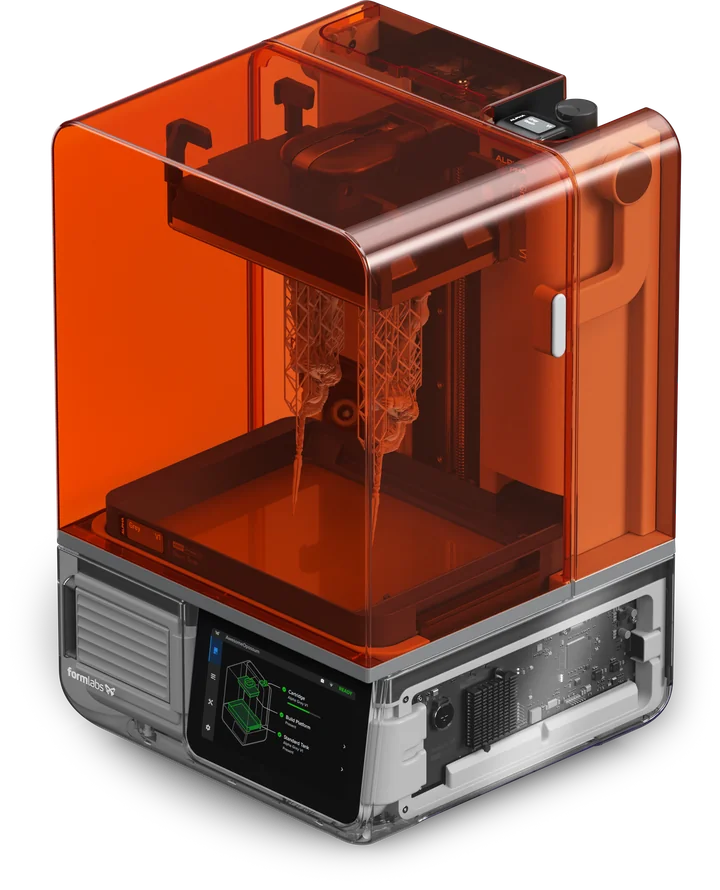
Formlabs Form Studio 1
Professional resin printing for anyone.
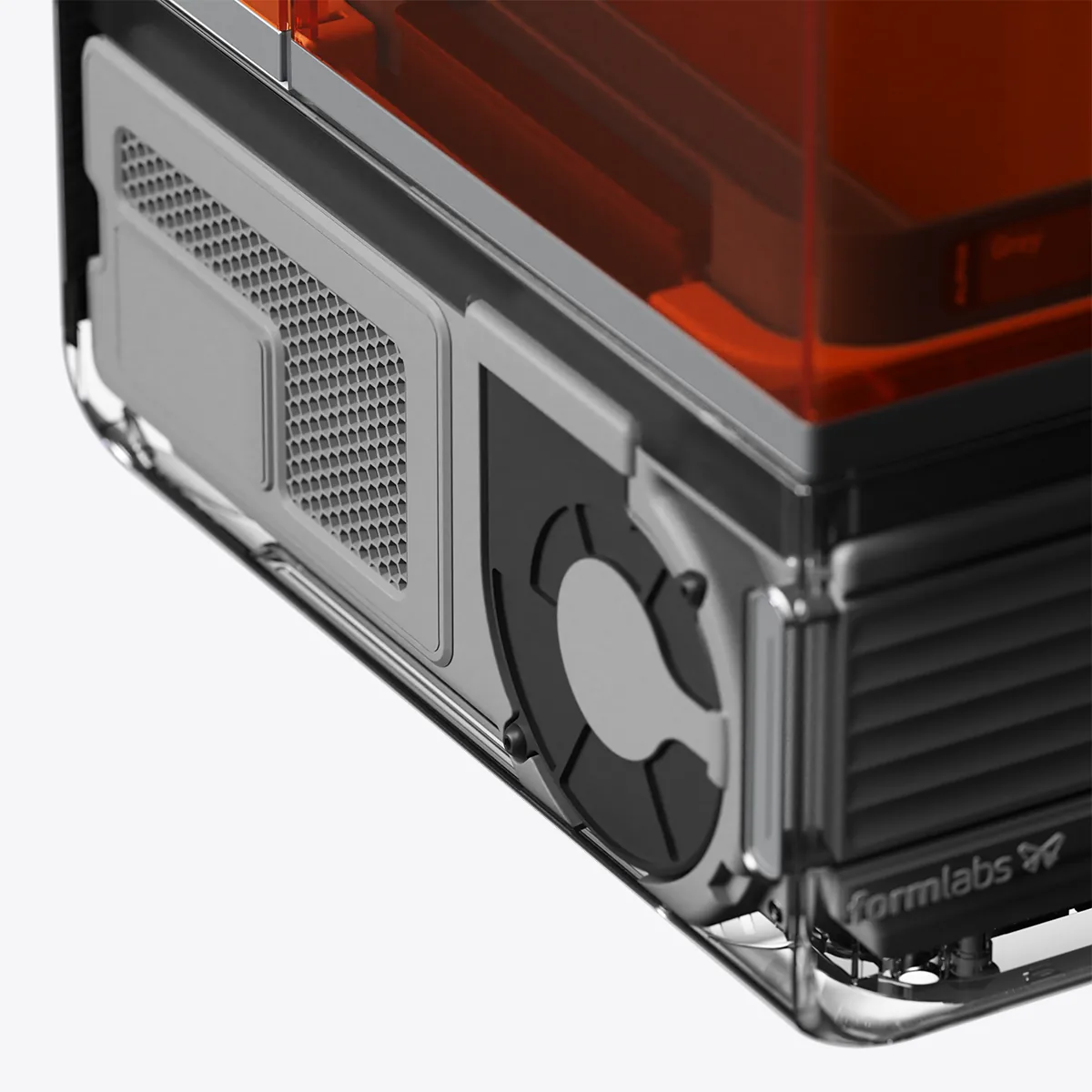
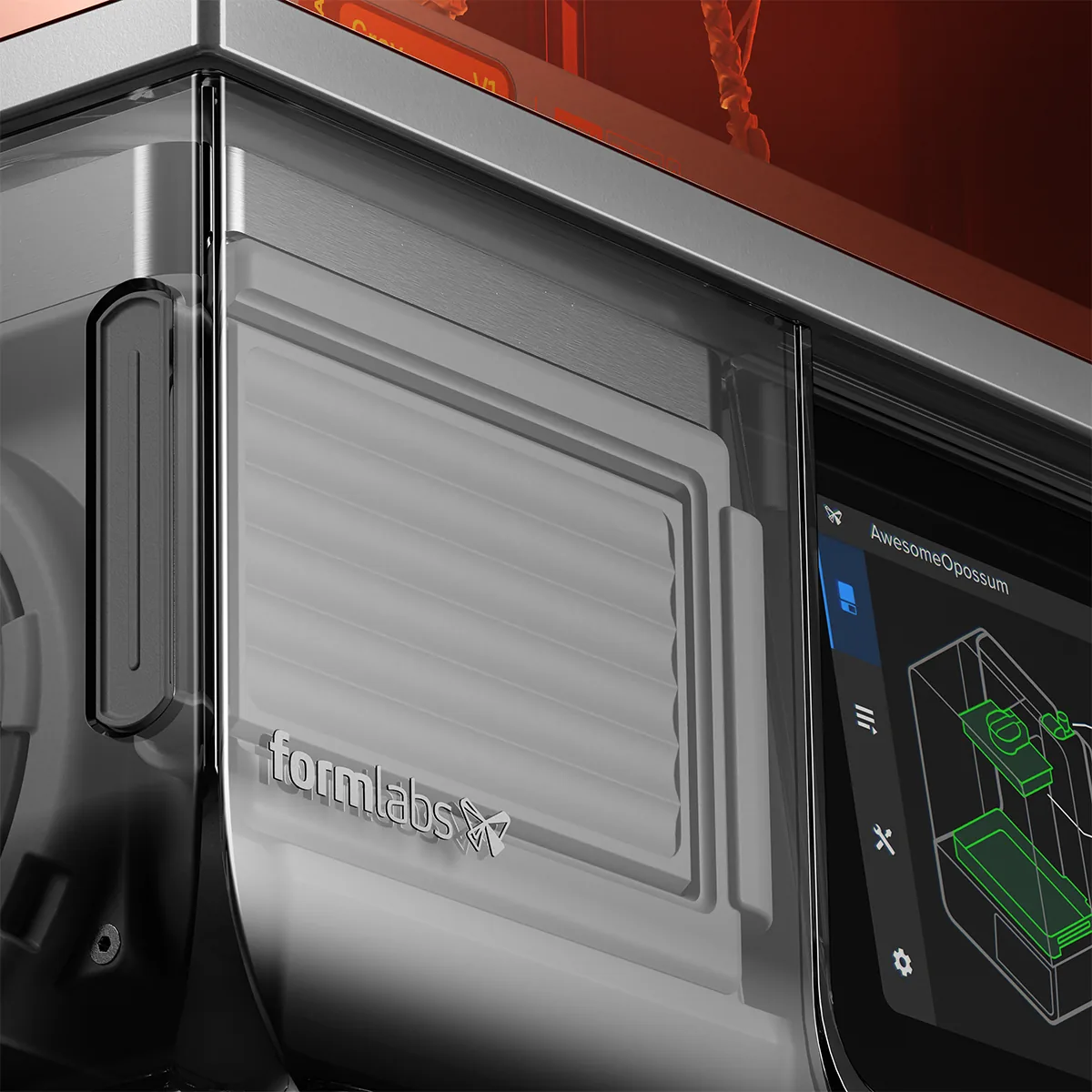
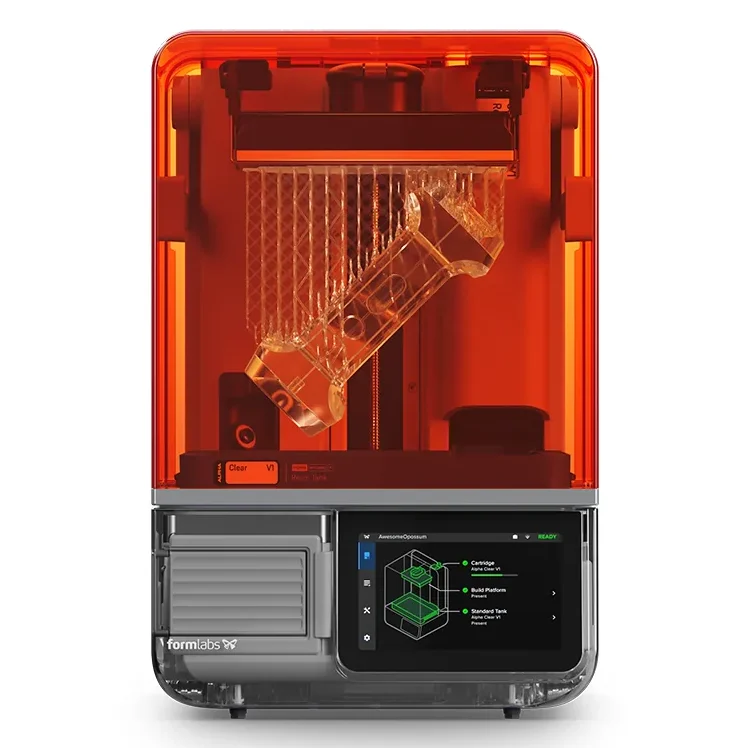
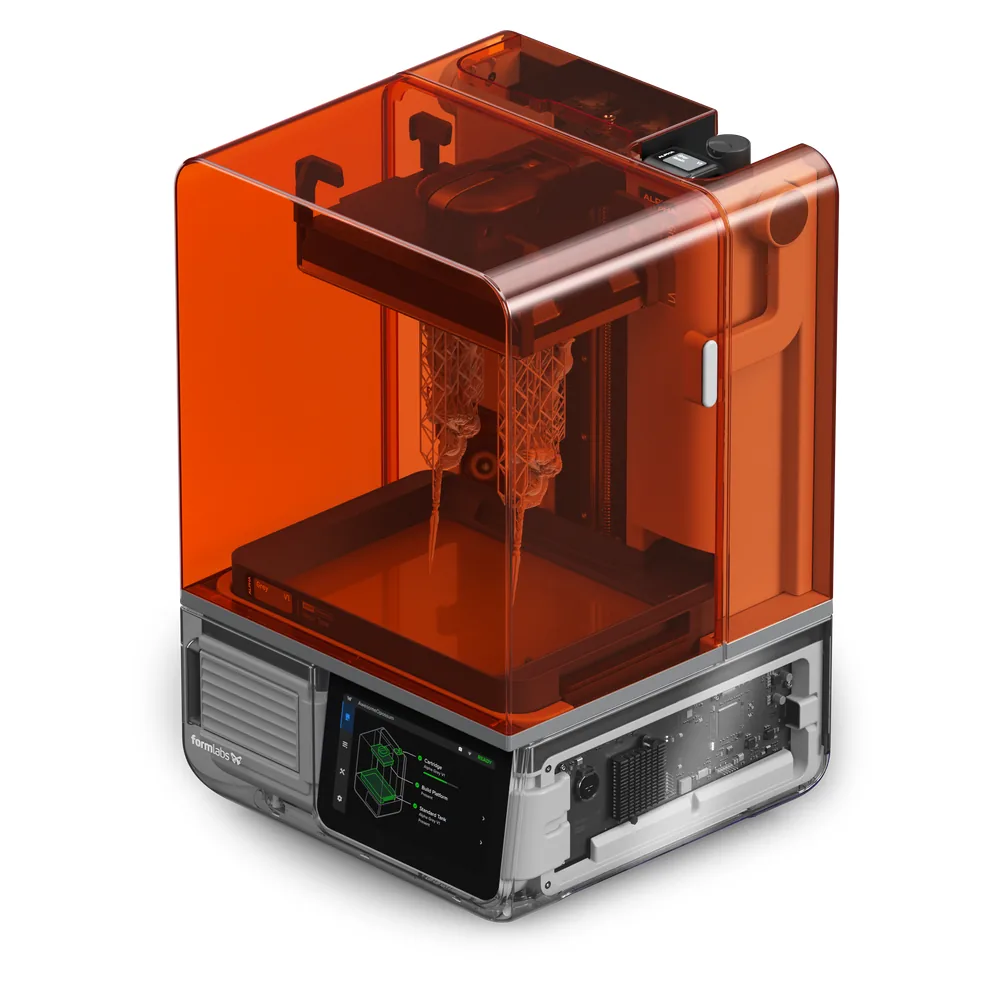
Form Studio 1 is the first affordable professional resin 3D printer from Formlabs. It combines a powerful, durable print engine with the benefits of an open platform: most parts are done in under two hours – with razor-sharp detail and a clean, safe workflow from printing to post-processing.
- Architecture
- Education
- Jewelry
- Prototyping
Most parts in under two hours
A custom lens array with 28 LEDs delivers a uniform, highly collimated 6 mW/cm² light field. Together with Release Texture V2 and the flexible film tank, peel forces drop – Form Studio 1 prints fast without compromising surface finish or fine detail. With Alpha Fast Resin it reaches up to 130 mm/h.
Ø 40 mm/h
Print speed
25–250 µm
Layer thickness
35 µm
XY resolution
20 × 12.5 × 23.5 cm
Build volume
Blazing fast
Most prints finish in under two hours, with Alpha Fast Resin at up to 130 mm/h.
Safe in the office
Low-odor Alpha Resins, UL GREENGUARD Gold certified when used with the VOC Extractor.
Razor-sharp details
35 µm XY resolution with anti-aliasing and ±0.15% XY tolerance – assemblies fit together as designed.
Reliable
98% print success, validated print settings, sensors for resin temperature, resin level, print forces and leveling, plus an integrated camera.
Open to any resin
Open Material Mode included with no license fee – print validated Formlabs resins or third-party materials.
Ready in 10 minutes
Choose a material, prepare in PreForm, print, then wash and cure in the Form Studio Wash+Cure.
A resin printer for every workspace
Office, home, studio or workshop
Alpha Resins are the first 3D printing materials certified UL GREENGUARD Gold for low VOC emissions – when printed on Form Studio 1 with the VOC Extractor. Liquid resin scores as a non-skin irritant under OECD 439, and post-processed parts meet ISO 10993 for long-term skin contact, making them suitable for wearables.
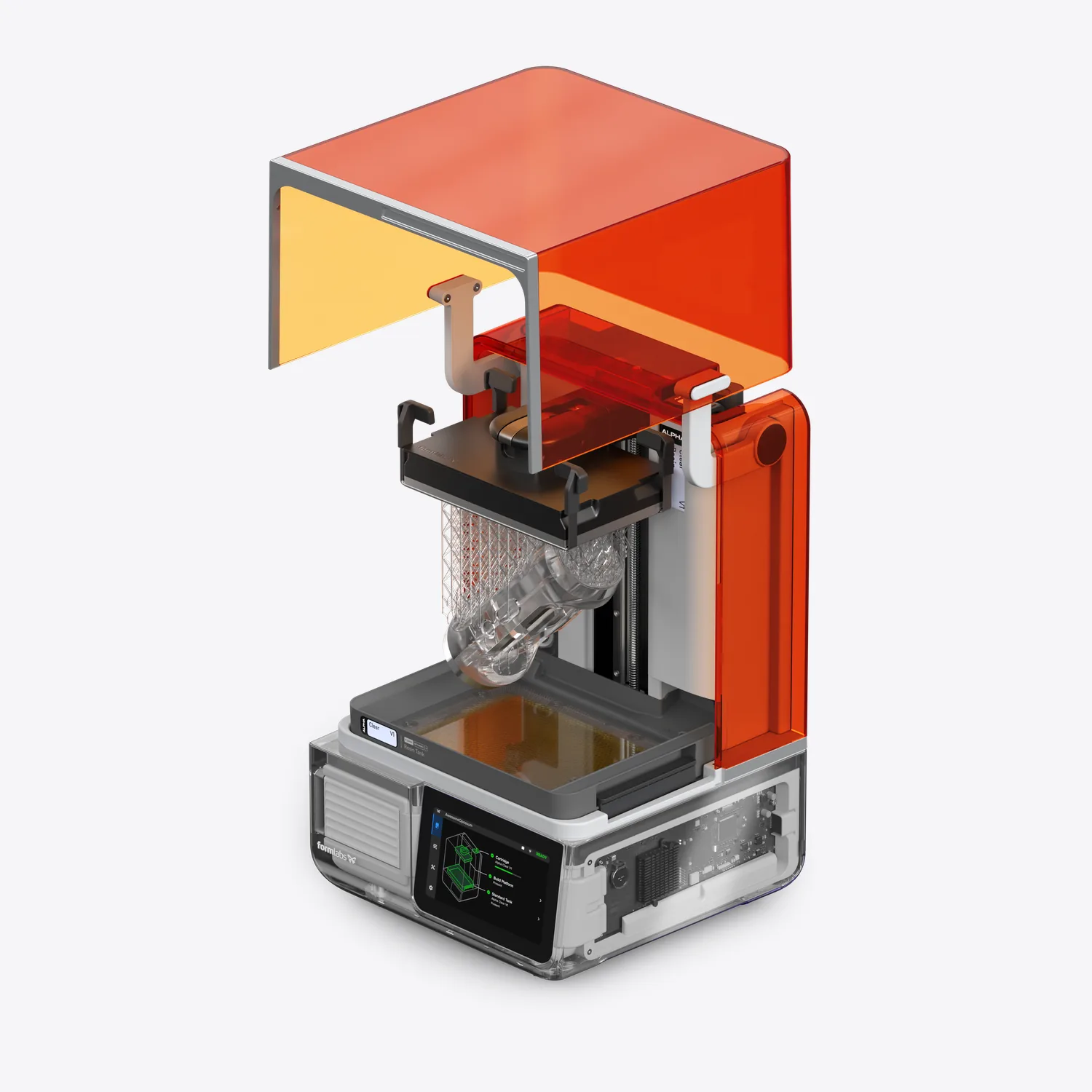
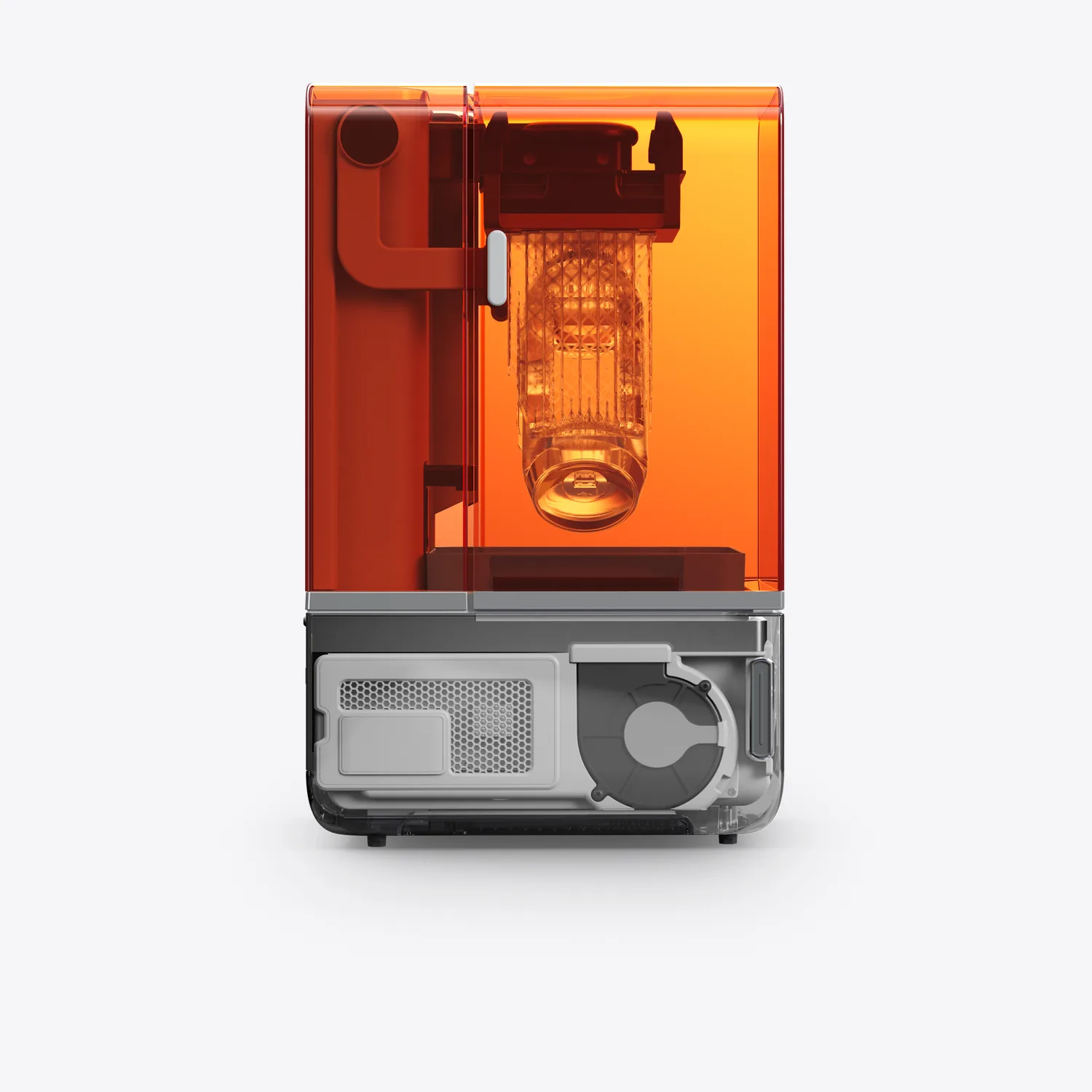
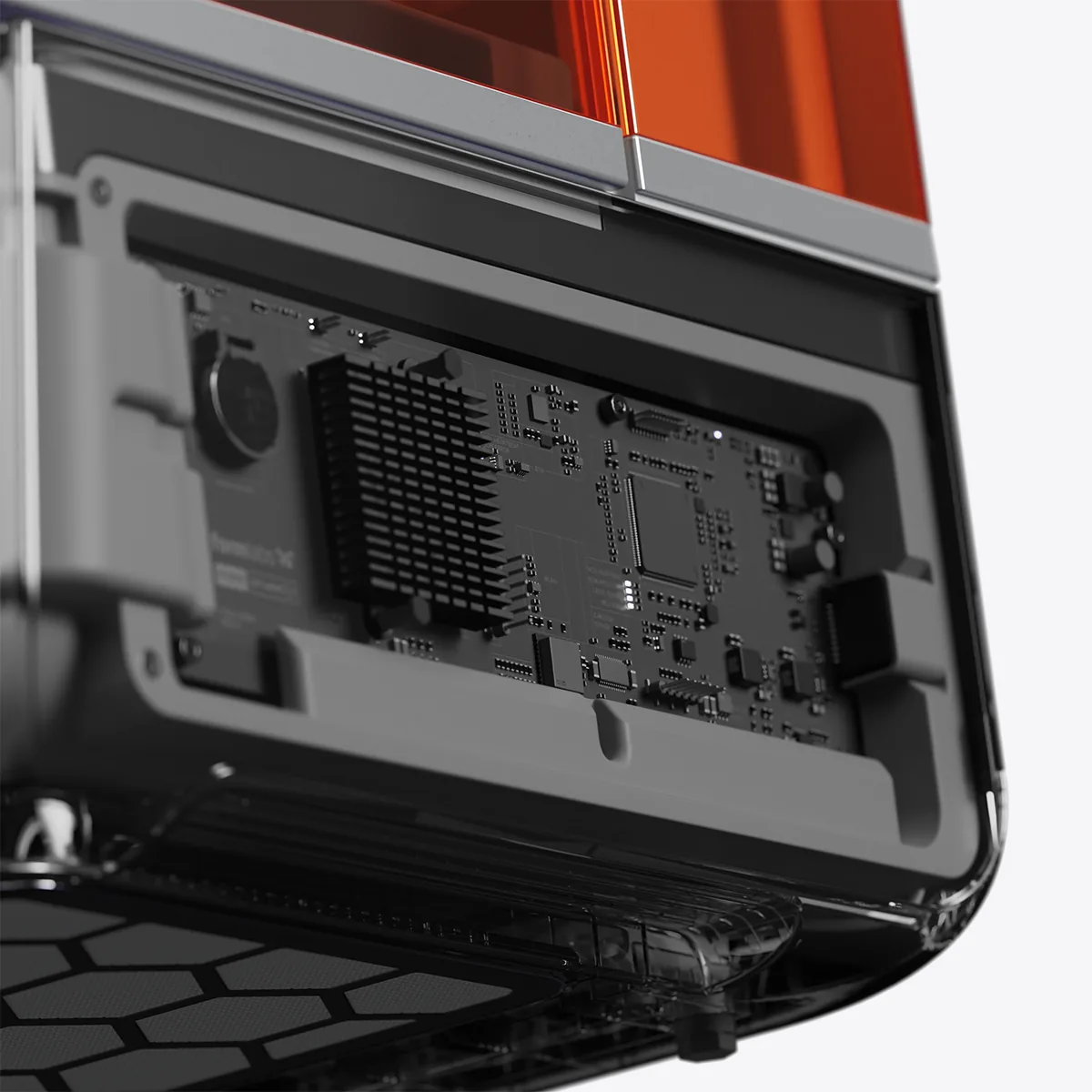
Formlabs Form Studio 1 Webinar
To help you get up and running with your new 3D printer quickly, we offer you our quick start course in the form of a webinar (web-based seminar): After 120 minutes, you will understand how to use the 3D printing software.
Webinar Agenda
- Introduction to the functionality and operation of the 3D printing software
- Overview of the importance of settings
- The right settings for your perfect 3D print!
- Tips & Tricks
- Troubleshooting – Causes and solutions for common problems
Requirements
- Existing, ready-to-use PC with Windows 7, 8, or Mac OS X with full administrator rights
- Internet access
- Pre-installed and functional TeamViewer or Microsoft Teams software
The details of the appointment and the webinar software will be arranged after receiving your order.
Support and Service
- Complete solution with wash station
- Component optimization via remote maintenance
- Material testing
- Process optimizations
- Custom seminars on-site
- On-site service
Downloads
Technical specifications
| Technology | Masked stereolithography (MSLA) |
|---|---|
| Light source | 28 LEDs with custom lens array 6 mW/cm², highly collimated |
| XY resolution | 35 µm with anti-aliasing |
| Layer thickness | 25–250 µm |
| Build volume (W × D × H) | 20 × 12.5 × 23.5 cm |
| Print speed | Avg. 40 mm/h (at 100 µm layer height) max. 130 mm/h (Alpha Fast Resin) |
| XY dimensional tolerance | ±0.15 % |
| Reliability | 98% print success |
| Materials | Alpha Resins (Grey, White, Black, Clear, Model, Fast), Tough 1500 Resin V2, Flexible 80A Resin V2, True Cast Resin Open Material Mode for third-party resins included |
| Resin tanks | Form Studio 1 Resin Tank (Alpha Resins, Flexible 80A Resin V2, True Cast Resin) Form Studio 1 Resin Tank Pro (Tough 1500 Resin V2 and third-party resins) |
| Resin tank lifetime | over 75,000 layers with Formlabs materials |
| Build platform | Build Platform (aluminum) or Build Platform Flex with quick release |
| Sensors | Resin temperature, resin level, print forces, leveling integrated camera |
| Dimensions (W × D × H) | 34.2 × 31.5 × 50.2 cm |
| Weight | 14.3 kg |
| Versions | Basic or Flex |
| Shipping dimensions | 43.1 × 40.5 × 61.6 cm 18.5 kg (Basic), 18.6 kg (Flex) |
| Connectivity | Wi-Fi (2.4/5 GHz), Ethernet, USB |
| Software | PreForm (free), Dashboard, Form Mobile App macOS 10.12 or later, Windows 10 (64-bit, version 1809) or later |
| File formats | STL, OBJ, 3MF STEP (STEP, STP, STPZ), SOLIDWORKS (SLDPRT, SLDASM) PTC Creo (PRT, ASM), JT, CATIA V5 (CATPart, CATProduct) |
| Warranty | 2 years in the EU Service plan with accidental damage coverage and phone support available |
Frequently asked questions
How does Form Studio 1 differ from Form 4?
Form Studio 1 is more compact and more affordable, yet offers a taller build height (235 vs. 210 mm). It uses 28 LEDs and 35 µm pixels, works without a mixer and includes Open Material Mode out of the box. For heavy Tough resin workloads or specialty materials, Form 4 is the better fit.
Which materials can I print on Form Studio 1?
At launch there are validated settings for the six Alpha Resins plus Tough 1500 Resin V2, Flexible 80A Resin V2 and True Cast Resin. The included Open Material Mode also lets you print third-party resins – the Form Studio 1 Resin Tank Pro is designed for this.
Can I use Form Studio 1 in an office?
Yes. With Alpha Resins and the VOC Extractor, Form Studio 1 is the first resin printer certified UL GREENGUARD Gold for low chemical emissions. The resins are low-odor; gloves are still recommended when handling liquid resin.
Which resin tank do I need?
The Form Studio 1 Resin Tank is optimized for Alpha Resins, Flexible 80A Resin V2 and True Cast Resin and prints them fastest. For Tough 1500 Resin V2 and third-party resins in Open Material Mode, use the Form Studio 1 Resin Tank Pro. Both tanks last at least 75,000 layers.
How are parts post-processed?
The Form Studio Wash+Cure washes and cures parts in one device – directly on the build platform if you like. With the Build Platform Flex, parts pop off without tools. Alternatively, you can use Form Wash and Form Cure, which cure faster and also cover materials that require heat treatment.
Can Form Studio 1 run without internet?
Yes. The printer works fully offline; firmware updates are then done via USB through PreForm. With Wi-Fi or Ethernet and a Formlabs account you also get remote monitoring via Dashboard and the Form Mobile App.